What’s Pixtoki AI All About?
Pixtoki AI makes photo editing simple and fun. You don’t need professional image editing software or long tutorials — just describe what you want, and Pixtoki AI brings your idea to life instantly.
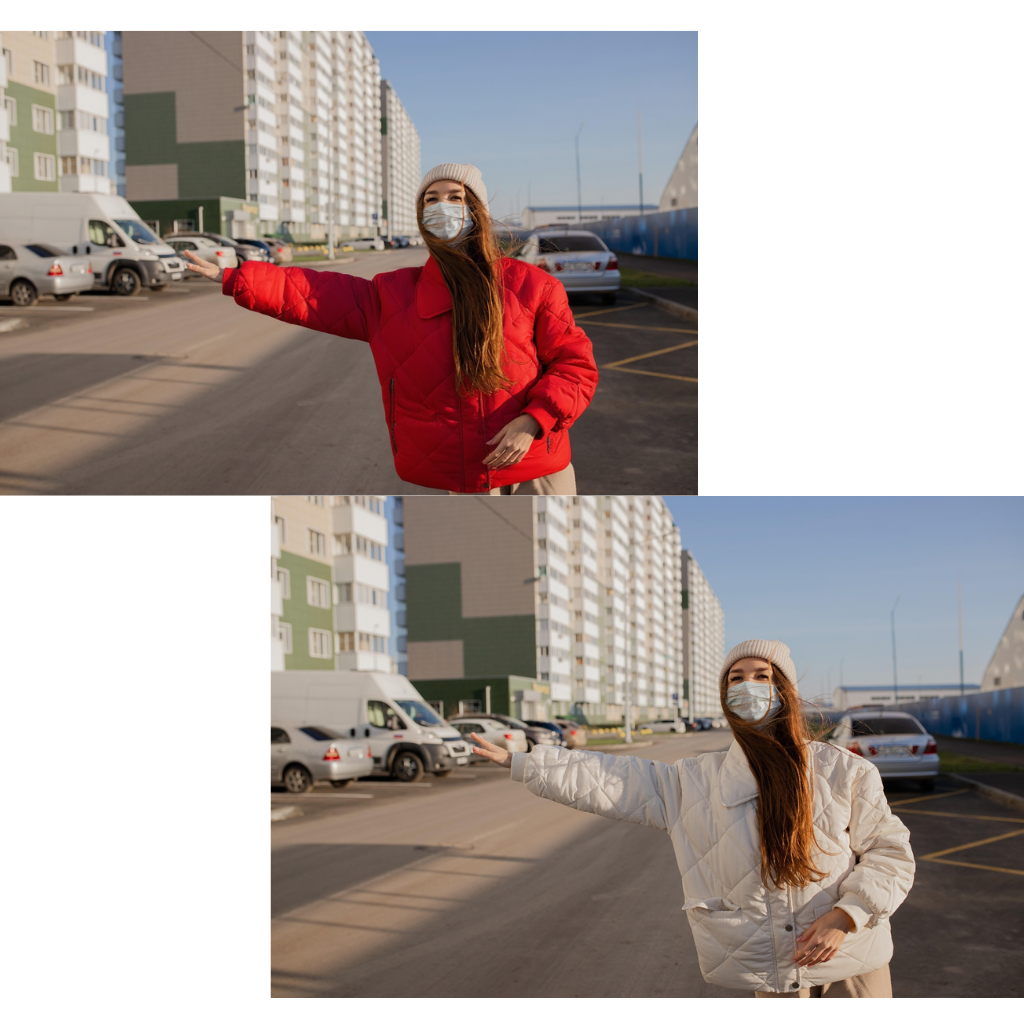
- Edit by TalkingJust type what you want. Say ‘make it brighter’ or ‘remove the background’, and Pixtoki AI does the rest in seconds.
- Understands What You MeanPixtoki AI understands context — it can tell people, objects, and backgrounds apart so your edits come out exactly as you imagine.
- Looks 100% NaturalEvery edit blends perfectly. No strange borders, no fake look — just clean, natural results that feel real.
Why People Love Pixtoki AI
Editing photos doesn’t have to be hard. Pixtoki AI helps anyone create professional-looking results without needing complex editing software.


What You Can Do with Pixtoki AI
From quick fixes to creative makeovers — Pixtoki AI gives you the power to create the photos you want, instantly.
Change or Remove Backgrounds
Need a clean white background or a scenic vibe? Just tell Pixtoki AI what you’d like — and watch it transform instantly.
Erase Unwanted Details
Remove photo bombs, clutter, or unwanted marks in seconds. Pixtoki AI cleans up your images beautifully.
Brighten and Enhance Colors
Bring your photos to life! Pixtoki AI makes colors richer, lighting softer, and every image more eye-catching.
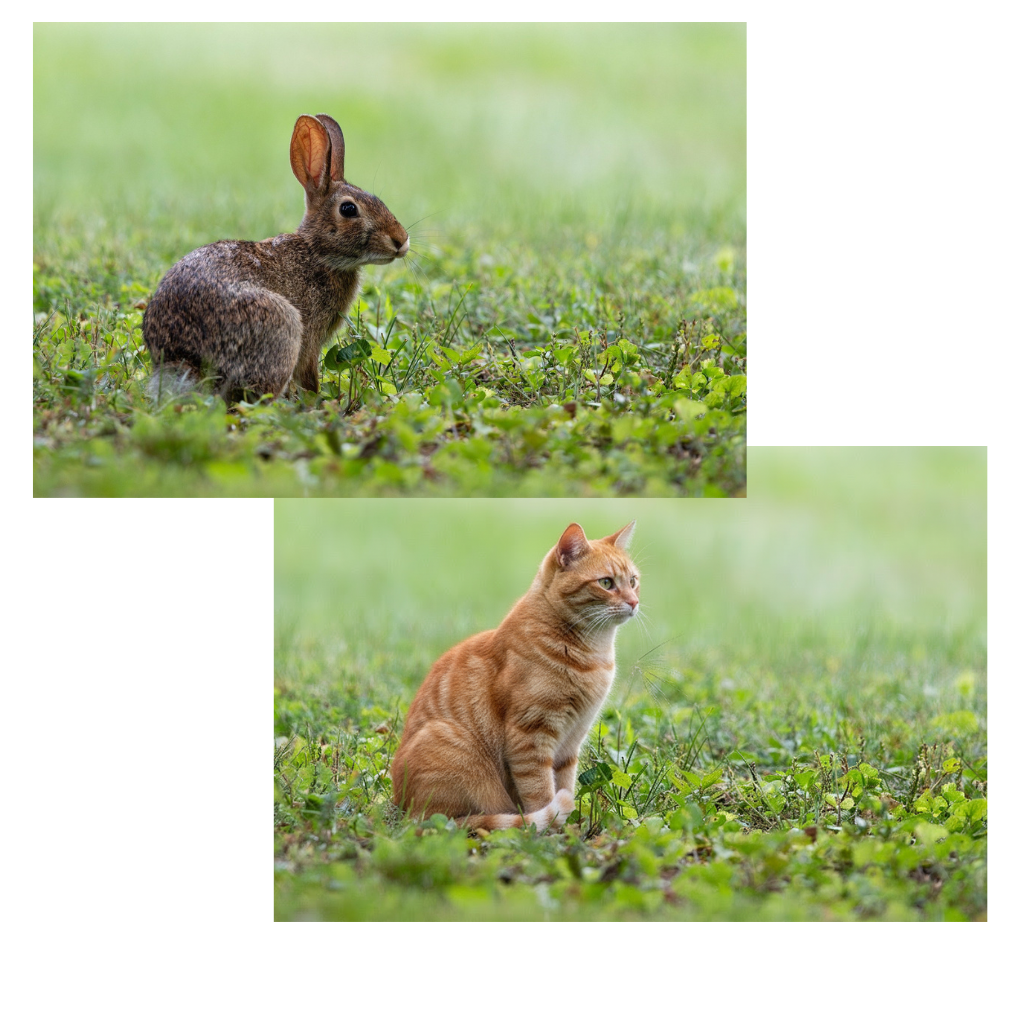
Turn Photos into Art
Turn everyday photos into digital art — from oil painting styles to dreamy watercolor looks — just by asking.
Fix Blurry or Low-Quality Images
Make old or small photos clear again. Pixtoki AI restores sharpness and detail with smart enhancement.
Lightning-Fast Edits
Pixtoki AI finishes even complex edits in seconds, so you can focus on sharing and creating more.
People Often Ask...
Got more questions? We’re always here to help — Pixtoki AI keeps learning and improving for you.
Is Pixtoki AI reliable?
Yes! It’s powered by advanced image intelligence — safe, intuitive, and built to understand what you want with amazing accuracy.
What can I edit?
Almost anything — remove unwanted objects, change backgrounds, brighten, recolor, sharpen, or stylize your photos. Pixtoki AI makes it easy.
Do I need editing skills?
Not at all! Pixtoki AI is made for everyone. If you can describe it, you can create it — no need for professional image editing software.
Is there a free version?
Yes! You get free credits when you sign up, and you only pay if you want more. Simple, flexible, and transparent.
What photos can I use?
Any photo from your phone, camera, or computer — Pixtoki AI supports popular formats like JPG, PNG, and WEBP.
What if I don’t like the result?
You’re in control. Try again, tweak your prompt, or undo changes anytime. Experiment freely — creativity has no limits.
Try Pixtoki AI Right Now
Start editing your photos in seconds — no downloads, no complicated tools. Just describe your idea and let Pixtoki AI do the magic.
